
Cultivating the Inner Ear: Audio-First Methodologies for the Modern Age
- Jan 25
- 3 min read
When we talk about designing music apps for early learners, we often get caught up in the "app" part—the buttons, the colors, and the rewards. But to build something truly transformative, we have to lean heavily into the music.
For a child, music isn't just a subject; it’s a physical and emotional language. In 2026, the most successful apps aren't just teaching kids which buttons to press; they are teaching them how to listen and feel the sound.
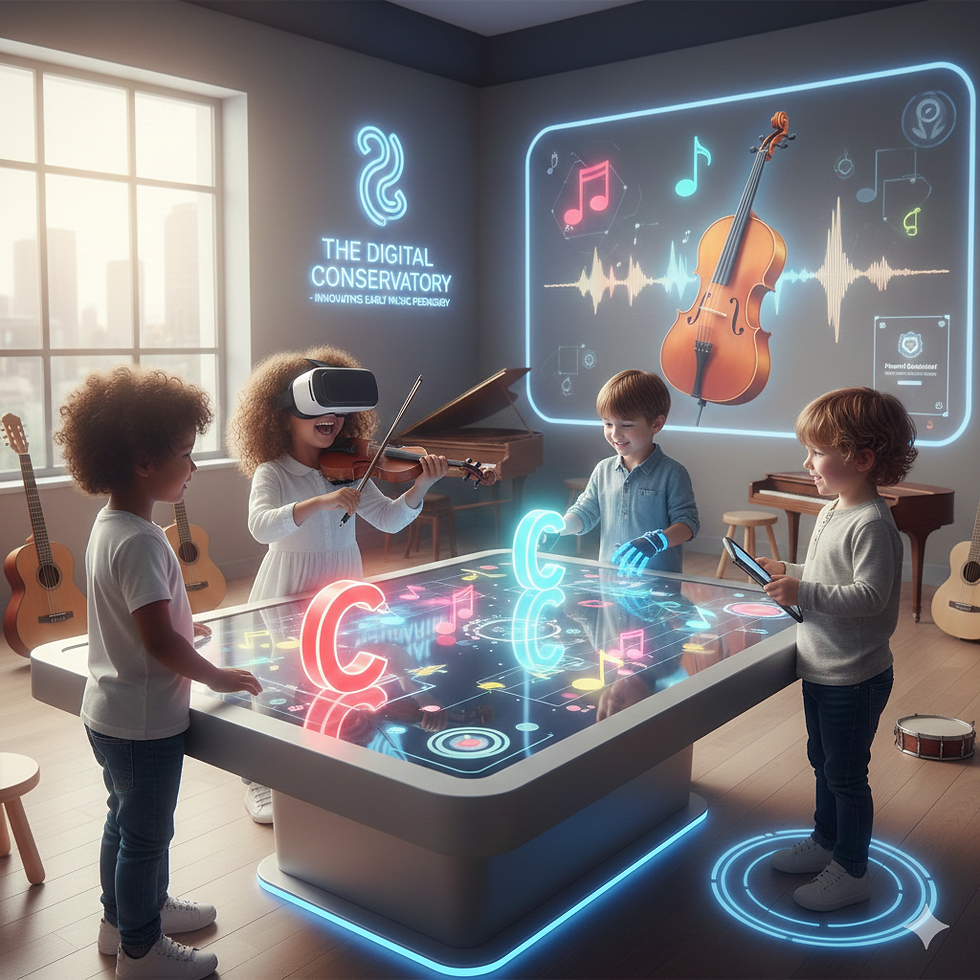
1. Prioritizing Tonal Purity and Timbre
Most early-learning apps use electronic "beeps" because they are lightweight and easy to program. This is a missed opportunity. A child’s ear is incredibly flexible; it’s at its peak for developing an instinct for different instrument sounds.
Sample Real Instruments: When a child triggers a note, let them hear the resonance of a wooden cello or the bright "ping" of a silver flute.
Visualizing Vibration: Design features that show the physics of sound without using math. Let them see a virtual string vibrate faster as the pitch goes up. When they see that a high note moves more quickly than a low, heavy note, the logic of music starts to click instinctively.
2. Rhythm as a Full-Body Experience
Rhythm isn't just a visual timing bar—it’s a pulse. Great music education emphasizes that rhythm is felt in the body before it's understood by the brain.
Haptic Feedback: Use the vibration motors in mobile devices. If a child is learning a steady beat, let the phone "thump" on the main downbeat. This creates a physical link between the "one" and the music.
The "Groove" Factor: Instead of a sterile, ticking metronome, use high-quality drum loops. It’s much easier to stay in time when you’re playing along with a funky bassline that makes you want to move.
3. Interactive Ear Training
The most musical apps move the focus away from the screen and back to the ear. We call this Audio-First Design.
Call and Response: Design games where the app plays a simple three-note melody, and the learner has to "sing" it back or find those notes on their instrument. This builds the "inner ear"—the ability to hear music in your head before you even play a single note.
Frequency Sliders: Let kids "filter" music. Give them a slider that controls the deep bass and the sparkling treble. By letting them play with the "height" of sound, they learn to isolate different instruments within a crowded song.
4. Introducing "Smart" Notation
Traditional sheet music can be intimidating. Modern design allows us to bridge the gap between falling blocks (like in rhythm games) and actual musical notation.
The Transition Layer: Start with simple scrolling blocks, but as the child succeeds, subtly overlay the musical staff lines. Eventually, fade the blocks out until they realize they are reading standard music notation without even trying.
Dynamic Tempo: Music is about expression, not just mechanical speed. Design your app to allow for "breathing room," where the backing track follows the child’s natural speed changes rather than forcing them to play like a robot.
The Final Chord
The ultimate goal of a great music app is to eventually encourage the user to look away from the device. Whether it's through intelligent accompaniment that "jams" with the student or digital overlays on a real guitar, the technology should be a bridge to the physical instrument, not a replacement for it.


Comments